Right-sized for your day
Try size presets or a custom limit, adjust pixel dimensions and crop to the shape you need.
 cedarwave labs
PHOTO UTILITY · ANDROID
Compress, crop, resize and convert a photo right on your phone. See the actual result size, save a new copy and keep your original.
Google Play tester accessCurrently in closed testing. Google Play access is limited to eligible testers.
Try size presets or a custom limit, adjust pixel dimensions and crop to the shape you need.
Photo processing happens on your device, without a photo-upload service or an account. Every result is a new file.
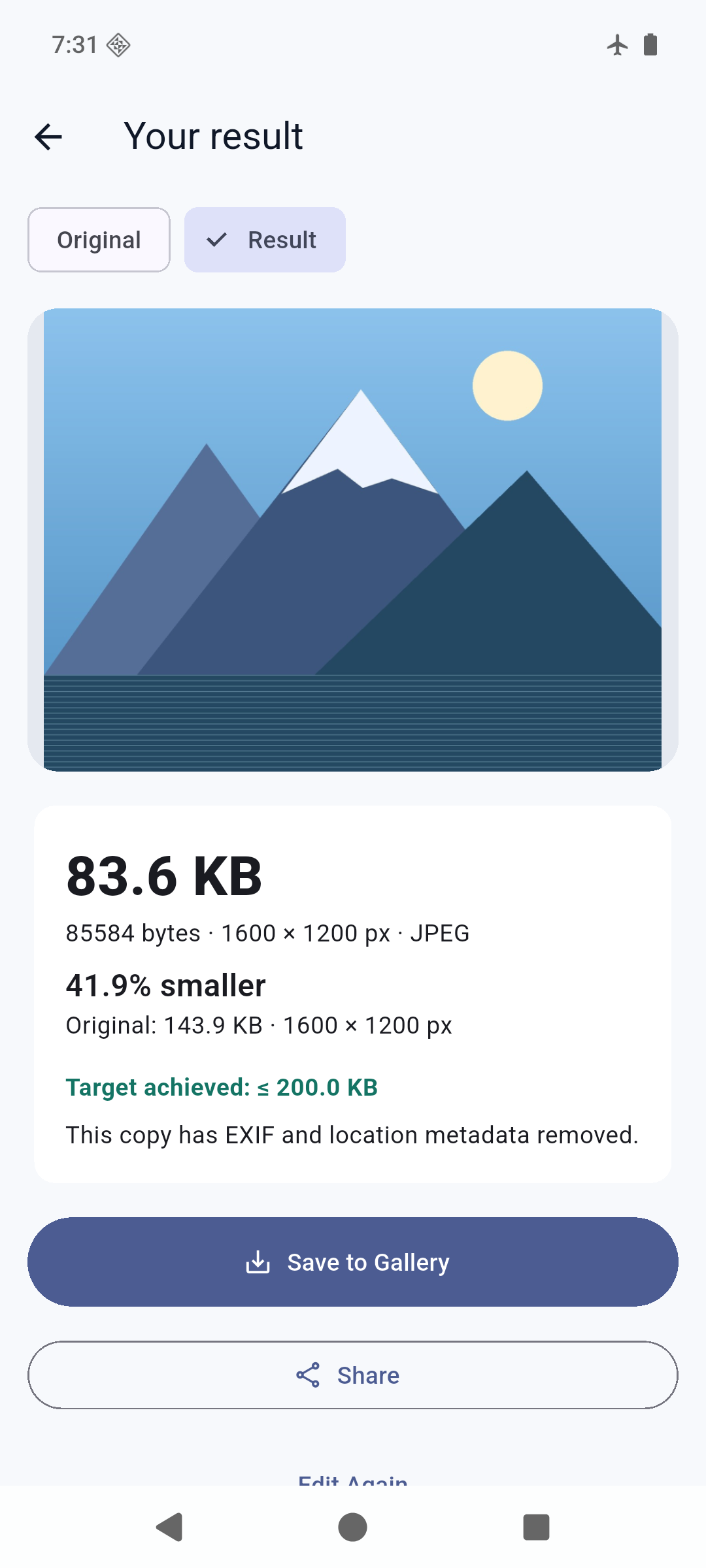
Check the output dimensions and file size, save to Pictures/PixelFit or use the Android share sheet.
HERE TO HELP
Send us your PixelFit version, Android version and a description of what happened. Please only include information you want to share.
Contact PixelFit supportPixelFit is in closed testing on Google Play. Tester access requires an eligible Google account. It is not yet available as a public production release.
PixelFit supports Android 10 or later. It works with JPEG, PNG and static WebP input. JPEG and PNG output are supported; explicit WebP output requires Android 11 or later. Animated images and HEIC/HEIF are not supported in this version.
Size targets are attempted upper limits. Some images need smaller dimensions or lower quality. PixelFit reports when it cannot meet a target; PNG and lossless WebP may remain larger.
Processing happens on your device. The original is unchanged, and outputs remove EXIF and location metadata. Only a result you explicitly share is handed to the app you choose. PixelFit contains Google advertising services; see its privacy policy for details.
Our PixelFit privacy policy explains the app’s data handling, local storage, advertising where applicable and your privacy choices.